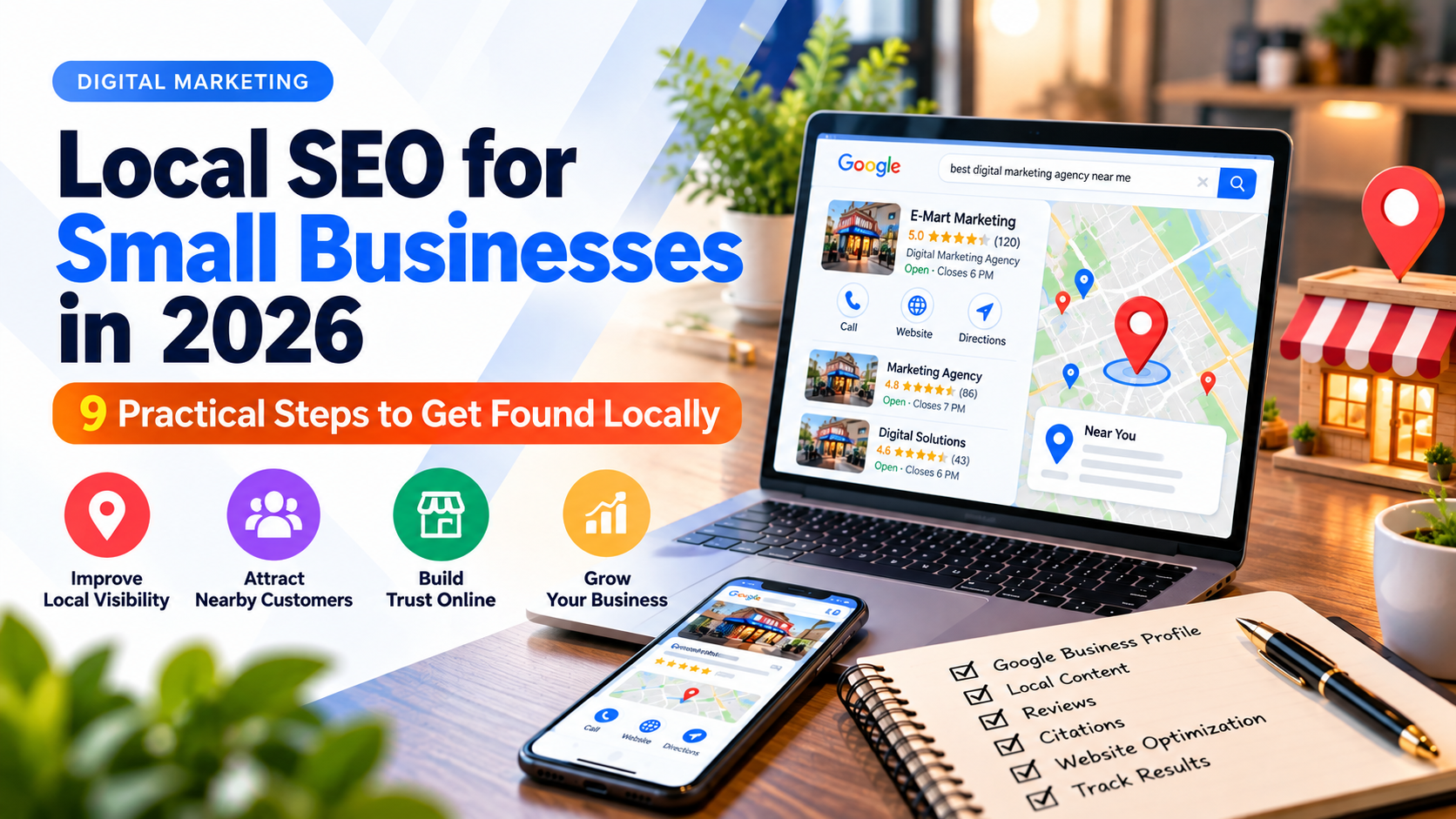
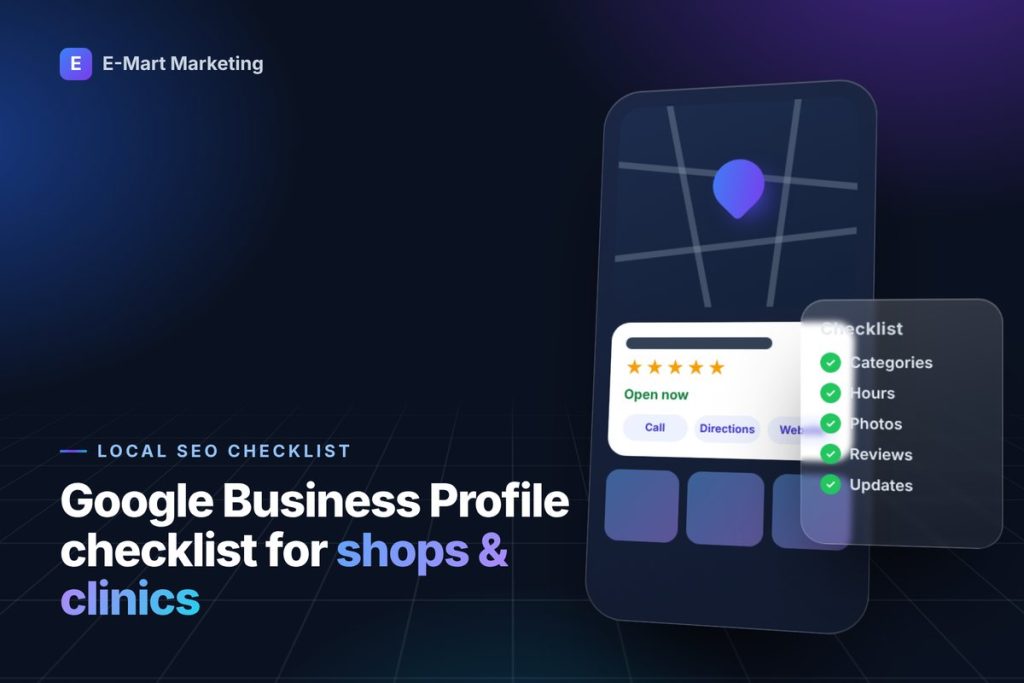
When someone searches “dentist near me”, “bakery in Indiranagar” or “CA in Lajpat Nagar”, the first thing they usually see is not a website. It is a map with three businesses underneath it. Those three spots come from Google Business Profile, and for many local shops and clinics they bring more calls than the website does.
This checklist walks through every part of a Business Profile that you control, in the order we would set it up for a new client. It is written for owners of shops, clinics, salons, restaurants and other businesses that serve customers in person. You can work through it yourself in an afternoon.
Quick note before you start: nothing on this list guarantees a top-three position. Google ranks local results mainly on relevance (does your profile match the search?), distance (how close you are to the searcher) and prominence (how well known and well reviewed you are). You can strongly influence the first and third. You cannot move your shop closer to every customer.
Step 1: Check that you are eligible (and set it up the right way)
A Business Profile is for businesses that meet customers face to face during stated hours. There are two kinds:
- Storefront businesses such as a shop, clinic, café or salon. Customers come to you, so your address is shown.
- Service-area businesses such as a plumber, home tutor, caterer or pest-control service. You go to the customer, so you hide your address and list the areas you serve instead.
Do not create a profile for a virtual office, a co-working desk you don’t staff, or a relative’s address. Profiles like these are a common reason for suspension. If you run a purely online business with no in-person contact, a Business Profile is not the right tool. Focus on your website and SEO instead.
Step 2: Get the basics exactly right
- Business name: use your real-world name, exactly as it appears on your signboard and bills. “Sharma Dental Clinic” is right. “Sharma Dental Clinic – Best Dentist Delhi Root Canal” can get the profile suspended.
- Address: include the building name, floor or shop number, road, area and PIN code. Indian addresses are often long, but customers and Google both need the detail. Place the map pin on your actual entrance, not just the building.
- Phone number: use a number that is answered during business hours. If you use WhatsApp Business on the same number, say so in your description.
- Website: link to your most relevant page. A clinic with one location should link to its homepage. A business with several branches should link each profile to that branch’s own page.
- Hours: add your regular hours and update “special hours” before Diwali, Ganesh Chaturthi, Christmas and other holidays. Being shown as open when your shutter is down costs trust and reviews.
Step 3: Choose categories carefully
Your primary category is one of the strongest signals for which searches you appear in. Choose the most specific one that describes your main business: “Pediatric dentist” rather than “Dentist” if that is what you do, or “South Indian restaurant” rather than “Restaurant”.
You can then add additional categories for other things you genuinely offer. Don’t add categories for services you don’t provide just to appear in more searches. It confuses customers, and it does not hold up for long.
A practical way to choose: search for your main service in your area and open the top three competitors’ profiles. The category shown under their name is their primary category. Note them, then pick what is accurate for you.
Step 4: Write a useful description and list your services
The description allows up to 750 characters. Use it to say who you serve, what you are known for, and practical details customers ask about. Examples include parking, wheelchair access, languages spoken, home delivery areas or appointment rules. Write for a person, not for Google: a list of keywords helps nobody.
Example for a clinic: “Family dental clinic in Kothrud, Pune, offering check-ups, fillings, root canal treatment and braces. Appointments preferred; walk-ins seen when possible. Ground-floor clinic with wheelchair access, five minutes from the station. We speak English, Hindi and Marathi.”
Then fill the Services (or Products) section. Add each main service with a one-line explanation, and a price only if you are happy to show it. This is also where many owners discover that the categories they chose don’t match what they actually sell.
Step 5: Add real photos, and keep adding them
Profiles with clear, recent photos look more trustworthy and get more clicks. You don’t need a professional shoot, just good light and honest pictures:
- Your logo and a cover photo.
- The outside of the shop or building, taken from the street, so people can recognise it when they arrive.
- The inside: waiting area, counter, consulting room or dining area.
- Your team at work, with their permission.
- Products or finished work: dishes, before-and-after results where appropriate and allowed, and completed projects.
Avoid stock photos and images with heavy text. Add a few new photos every month; it also gives you a reason to open the profile and check that everything is still correct.
Step 6: Build a simple, honest review habit
Reviews influence both your ranking and whether a searcher chooses you. The goal is a steady flow of genuine reviews, not a sudden burst.
- Ask every customer, not only the happy ones. Use the “Ask for reviews” link from your profile, and share it on WhatsApp after a visit or a completed job. A small printed QR card at the counter also works well.
- Never pay for reviews, offer discounts in exchange, or post reviews yourself. This breaks Google’s policies, and fake reviews can be removed along with real ones.
- Reply to every review within a day or two. Thank people by name and mention what they came for. For a complaint, apologise for the experience, avoid arguing in public, and offer a phone number or email to sort it out.
- Clinics: never confirm in a reply that the reviewer is a patient or mention any treatment details. Keep replies general to protect patient privacy.
Step 7: Keep the profile active
- Updates: post an update every week or two, such as a new service, festive hours, an offer or a recent project. Updates keep the profile fresh for people who view it.
- Booking or order links: clinics, salons and restaurants can add an appointment, booking or menu link if they use one.
- Edits by others: anyone can suggest edits to your profile. Check it every month to make sure your name, hours, phone number and pin haven’t been changed.
- Performance: the Performance section shows searches, calls, direction requests and website clicks. Note these monthly so you can see whether your changes are working.
Step 8: Make your details match everywhere else
Google cross-checks your business information across the web. Make sure your name, address and phone number are written the same way on:
- Your website: footer, contact page and any location page.
- Justdial, Sulekha, IndiaMART, Practo (for clinics), Zomato or Swiggy (for restaurants), and other directories you use.
- Your Facebook and Instagram business profiles.
Old listings with a previous phone number or address are very common, especially after a shop has moved. Search your business name plus your old number to find them, then update or claim each one.
Printable checklist
- ☐ Profile type correct: storefront, or service area with the address hidden
- ☐ Real-world business name, with no extra keywords
- ☐ Full address with building, floor, area and PIN code; map pin on the entrance
- ☐ Phone answered during listed hours
- ☐ Website link to the most relevant page
- ☐ Regular hours plus holiday hours
- ☐ Most specific accurate primary category; extra categories only for real services
- ☐ Description written for customers (up to 750 characters)
- ☐ Services or products listed
- ☐ Logo, cover, exterior, interior, team and work photos
- ☐ Review link shared with every customer; no incentives
- ☐ Every review answered within 48 hours
- ☐ An update posted every 1–2 weeks
- ☐ Monthly check for suggested edits, and Performance noted
- ☐ Same name, address and phone on the website and directories
When to get help
Most of this checklist is work you can do yourself. It is worth getting help if your profile has been suspended, you can’t complete verification, you have several branches, or you have done everything above and still don’t appear for your main searches. Usually that means the website, reviews or competition need a closer look.
Our Local SEO service covers profile setup, directory clean-up, a review process and monthly reporting, delivered online for businesses anywhere in India. For the bigger picture, read our guide to local SEO for small businesses. If you would like us to look at your profile, send us a short enquiry and we’ll suggest where to start.